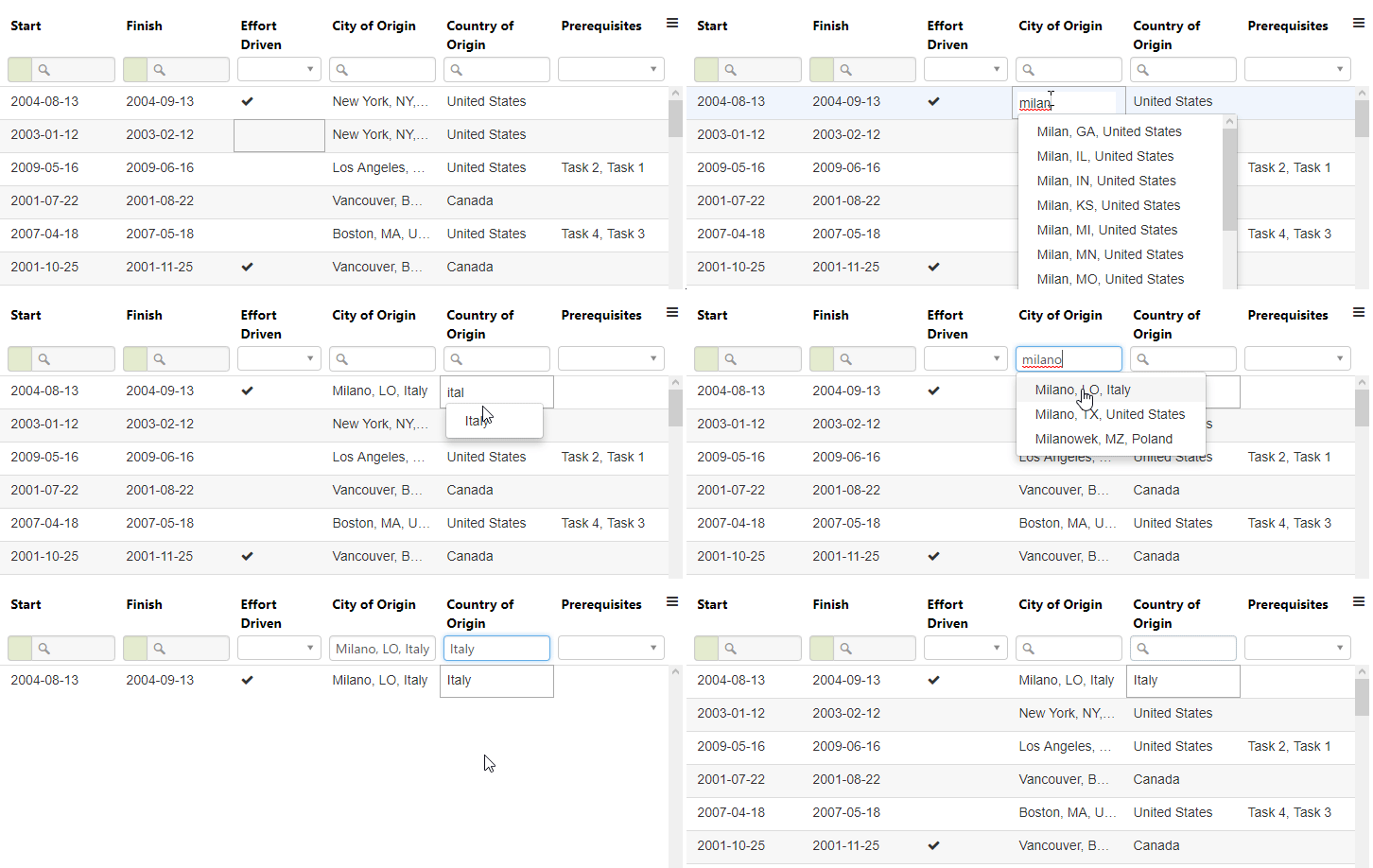
Autocomplete
Component
const Example: React.FC = () => {
  const [dataset, setDataset] = useState<any[]>([]);
  const [columns, setColumns] = useState<Column[]>([]);
  const [options, setOptions] = useState<GridOption | undefined>(undefined);
  const graphqlService = new GraphqlService();

  useEffect(() => defineGrid(), []);

  function defineGrid() {
    setColumns([
      {
        id: 'countryOfOrigin', name: 'Country of Origin', field: 'countryOfOrigin',
        formatter: Formatters.complexObject,
        dataKey: 'code', // our list of objects has the structure { code: 'CA', name: 'Canada' }, since we want to use the code`, we will set the dataKey to "code"
        labelKey: 'name', // while the displayed value is "name"
        type: 'object',
        sorter: Sorters.objectString, // since we have set dataKey to "code" our output type will be a string, and so we can use this objectString, this sorter always requires the dataKey
        filterable: true,
        sortable: true,
        minWidth: 100,
        editor: {
          model: Editors.autoComplete,
          customStructure: { label: 'name', value: 'code' },
          collectionAsync: fetch('assets/data/countries.json'), // this demo will load the JSON file asynchronously
        },
        filter: {
          model: Filters.autoComplete,
          customStructure: { label: 'name', value: 'code' },
          collectionAsync: fetch('assets/data/countries.json'),
        }
      }
    ]);

    setOptions({/*...*/});
  }
}Component
Last updated